



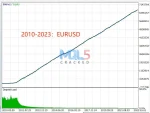
What is TrendMaster EA?
TrendMaster FX MT5 is an automated trading solution designed to work exclusively with GBPUSD and EURUSD. Instead of random entries or risky guesswork, it follows a structured system that focuses on controlled, strategic market participation.
Vendor Website – Read More
Our Telegram – Join for new releases
TrendMaster FX MT5 – Live Performance Overview (MYFXBook Verified)
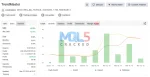
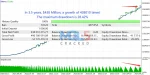
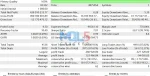
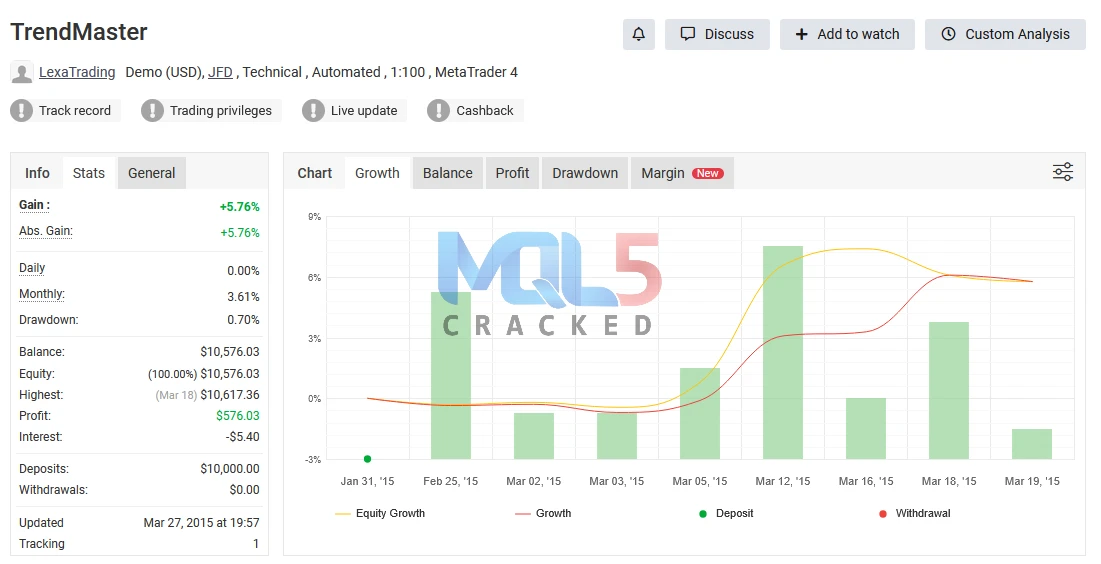
Below is a snapshot of the verified live trading results: Live Tracking
📈 Account Growth
Total Return: +5.76%
💰 Net Earnings
Profit Achieved: $576.03
🏦 Starting Capital
Initial Balance: $10,000
🛡️ Maximum Drawdown
Risk Exposure: 0.70%
Review Verified Performance
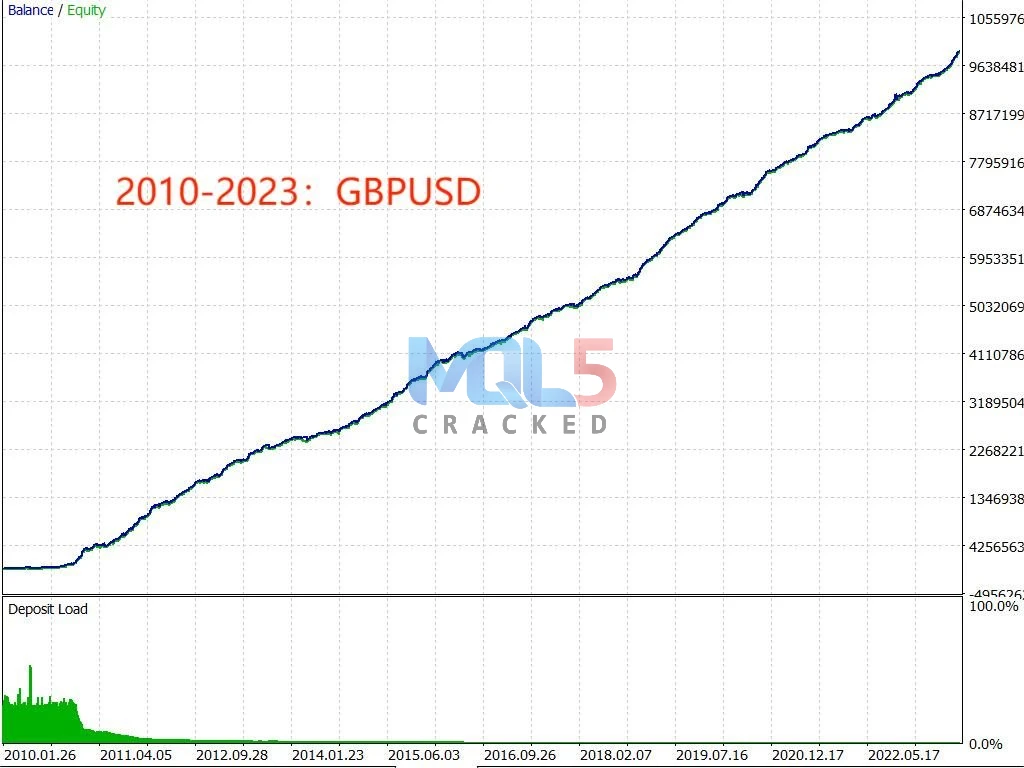
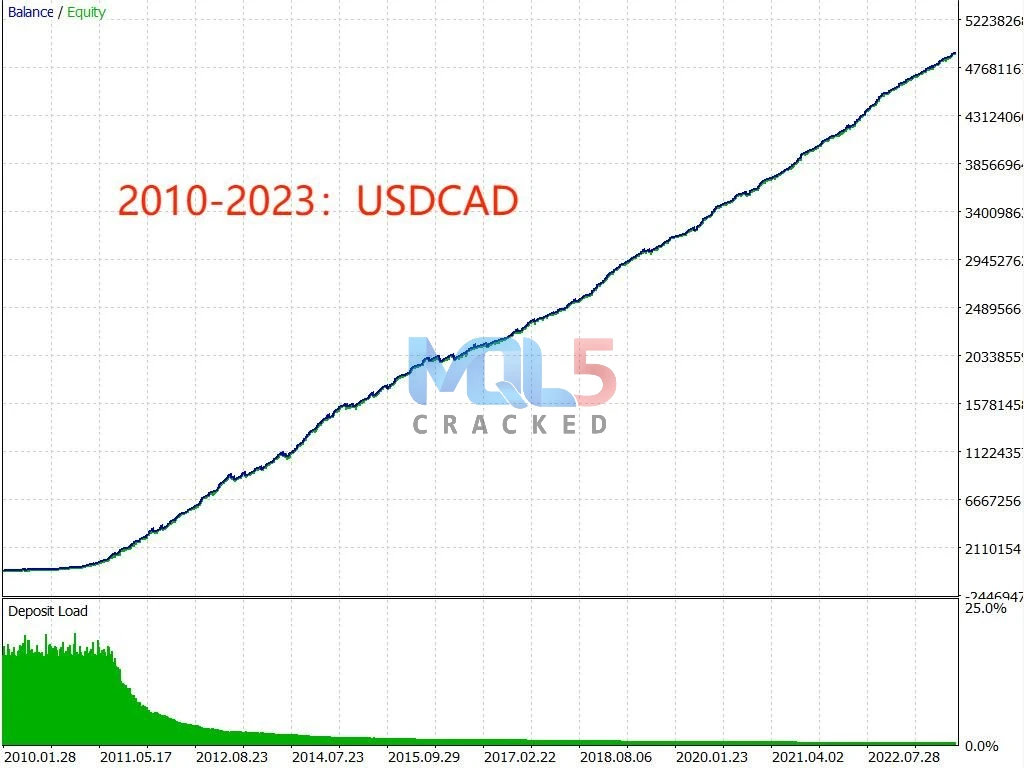
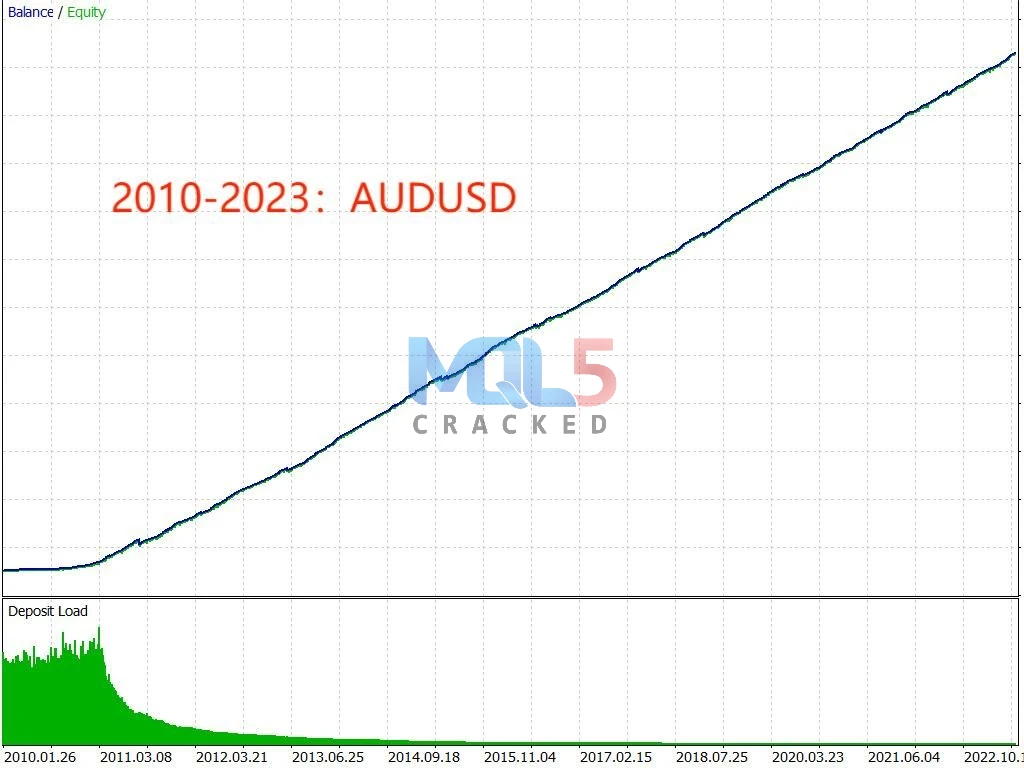
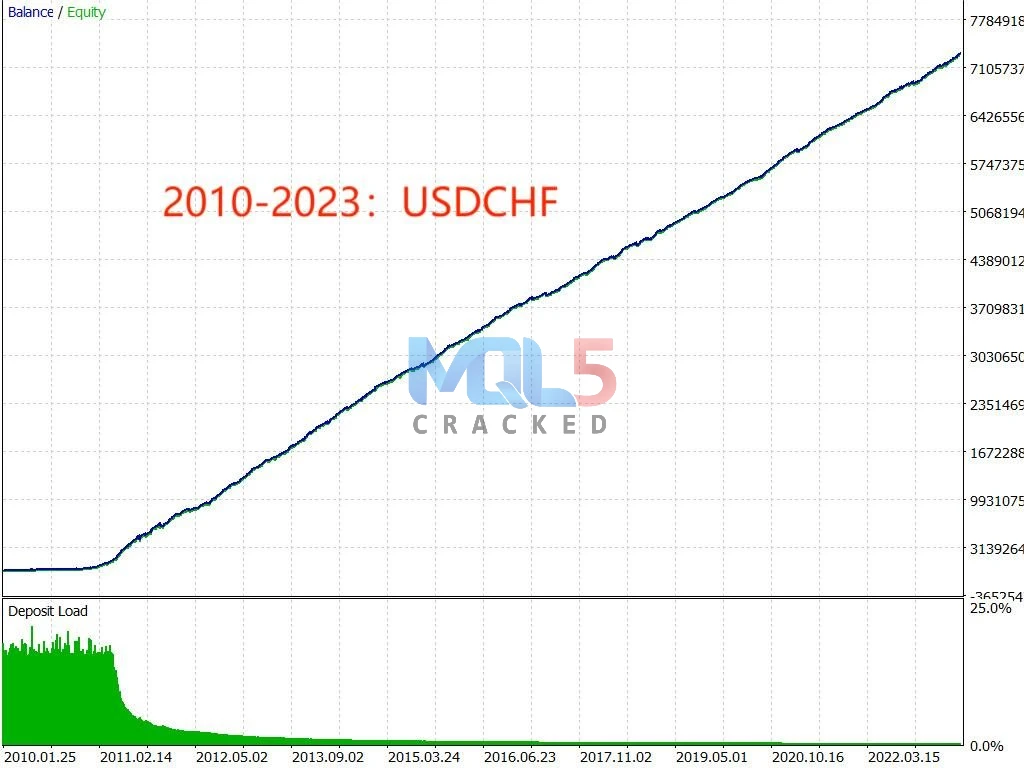
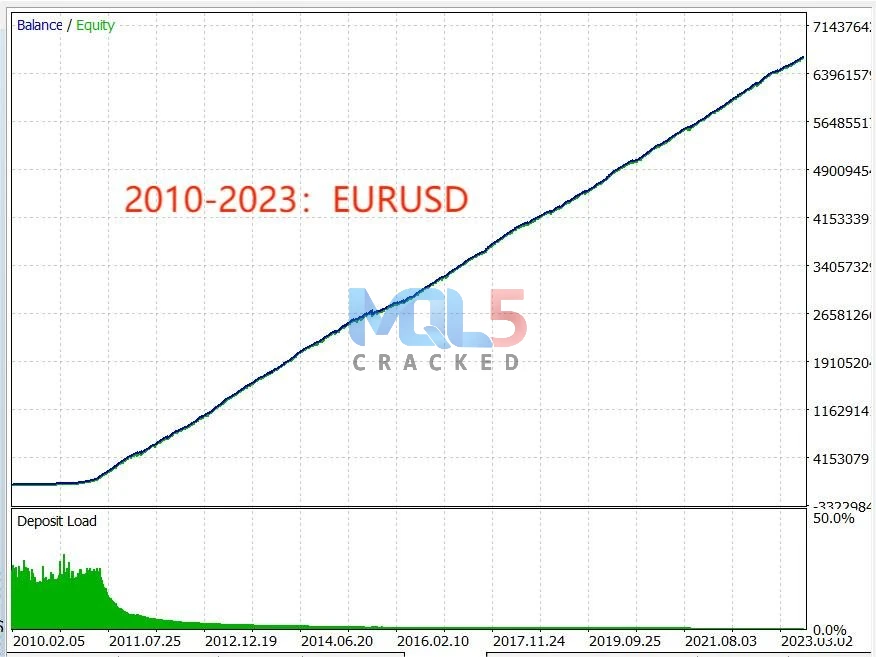
Key Features
🔹 AI-Driven Trading Engine
Built using advanced machine intelligence, the system studies almost ten years of past market activity to recognize patterns and improve trade accuracy. It relies on structured data analysis rather than guesswork.
🔹 Live Market Monitoring
The strategy constantly evaluates price movements as they happen. It reacts to changing conditions using programmed rules and adaptive logic to maintain disciplined execution.
🔹 Fine-Tuned for Major Pairs
Carefully adjusted to perform best on EURUSD and GBPUSD charts, specifically on the 15-minute timeframe for balanced trade opportunities.
🔹 Safe & Structured Approach
This is not a high-risk averaging system. It does not use martingale or grid techniques. Each position includes protective risk limits, helping to maintain account stability and reduce unnecessary exposure.
Recommended Settings
Below is a simple overview of how this system works and what you need to get started:
💱 Supported Markets
This strategy is designed to trade:
- GBPUSD
- EURUSD
These are two of the most actively traded currency pairs, offering strong liquidity and steady movement.
🏦 Account Compatibility
You can run this system on:
- Standard (Classic) accounts
- ECN accounts
- Pro accounts
It is flexible and works across different broker account structures.
📈 Chart Settings
- Optimized for the M15 (15-minute) timeframe
- No complex adjustments required it runs efficiently with the original setup configuration
Simply install and operate with the preset parameters.
💰 Capital Requirements
- Minimum balance to start: $200
- Suggested balance for smoother performance: $1000
Starting with a higher balance allows for better risk distribution and trade management.
🔄 Leverage Flexibility
There are no strict leverage restrictions. The system can operate under any broker leverage setting, giving traders the freedom to choose what suits their risk preference.
🤝 Running Alongside Other Robots
Yes it can operate together with other automated systems on the same account, provided proper risk management is maintained.
Why Optimized for M15 (15-minute Time Frame?
📊 1. Clearer Market Structure
On very small timeframes (like M1 or M5), price movements can be noisy and unpredictable.
M15 smooths out minor fluctuations, making trends and momentum shifts easier to identify.
⚖️ 2. Balanced Trade Frequency
- Lower timeframes → too many signals, higher stress
- Higher timeframes → fewer opportunities
M15 provides a steady flow of trade setups without overwhelming the system or the account.
📈 3. Better Risk-to-Reward Opportunities
The 15-minute chart often captures meaningful intraday moves. This allows trades to target realistic profit levels while keeping stop losses controlled.
🧠 4. Strong Data Consistency for AI Logic
For systems built on algorithmic or AI-based models, M15 offers:
- Enough historical data points
- Structured price behavior
- Reduced market noise
This improves pattern recognition and decision accuracy.
🔄 5. Ideal for Active Market Sessions
Major pairs like EURUSD and GBPUSD tend to show clean movement during London and New York sessions, and M15 captures those swings effectively.
💡 In Simple Terms
M15 is a “middle ground” timeframe.
It’s not too fast.
It’s not too slow.
It’s designed to balance opportunity, stability, and controlled risk.
Risk Management
Risk management is a core part of this system. It applies structured trade protection, including stop-loss levels, to help manage downside exposure. The strategy is designed to adapt during volatile conditions instead of reacting impulsively.
What Makes TrendMaster FX Different?
🔹 AI-Based Market Analysis
The system processes historical and live market data to detect high-probability trend opportunities.
🔹 Built for Major Currency Pairs
Specifically optimized for GBPUSD and EURUSD two of the most liquid and widely traded forex pairs.
🔹 Automatic Risk Control
Every trade includes predefined protection levels to help limit potential losses.
🔹 Hedging Capability
Designed to balance exposure when market conditions become uncertain.
🔹 Disciplined Execution
Trades are placed according to programmed logic not emotions.
Very Simple Expert Advisor (EA) Setup Guide
Step 1: Install MetaTrader
Download and install MetaTrader 4 or MetaTrader 5 from your broker.
Step 2: Open Data Folder
Open your platform.
Click File → Open Data Folder.
Step 3: Copy the EA File
Go to:
MQL4 → Experts (for MT4)
or
MQL5 → Experts (for MT5)
Paste the EA file (.ex4 or .ex5) into the Experts folder.
Step 4: Restart the Platform
Close and reopen MetaTrader so the EA appears in the Navigator panel.
Step 5: Attach the EA to the Chart
Open the correct currency pair and timeframe.
Drag the EA from the Navigator onto the chart.
Step 6: Enable Auto Trading
Click the AutoTrading button at the top of the platform.
Make sure it is turned ON (green).
✅ That’s it! Your Expert Advisor is now ready to trade.
📈 Who Is It For?
TrendMaster FX MT5 may suit:
- Traders who prefer automated execution
- Those who want trend-based strategies
- Users looking for structured money management
- Individuals who trade GBPUSD and EURUSD regularly
What Makes TrendMaster FX MT5 a Strong Choice?
Choosing the right automated system is important. Here’s what sets this one apart:
🤖 Intelligent Market Execution
The system uses advanced artificial intelligence technology to study price behavior and make calculated trading decisions based on real market data not emotion.
🛡️ Built With Risk Control in Mind
Each trade is protected with predefined safety levels, and additional balance-management features help limit unnecessary exposure during volatile conditions.
⚖️ Adjustable to Your Trading Style
Whether you prefer steady growth or higher-risk strategies, the settings allow flexibility to match different risk preferences.
📈 Designed to Follow Strong Trends
Instead of random entries, the strategy focuses on identifying and riding structured market movements for improved efficiency.
📘 Complete User Assistance
After getting started, you’ll have access to:
- Clear setup instructions
- Helpful documentation
- Frequently asked questions
- Ongoing customer assistance
You’re not left to figure things out alone.
💱 Optimized for Major Currency Pairs
Fine-tuned specifically for EURUSD and GBPUSD, two of the most liquid and actively traded forex pairs.
🤝 Continued Support After Purchase
Dedicated guidance is available to help with installation, configuration, and any technical questions that may arise.
Download TrendMaster EA Free (VIP Members Only) – Why VIP Service?
For every currency pair, we offer a wide range of Expert Advisors and indicators. Each tool follows its own unique trading logic and strategy to target different market conditions and styles.
If you’re planning to purchase multiple EAs, there’s no need to buy them one by one.
To help you save money, we offer a membership plan that gives you access to multiple tools at a better value. Instead of paying separately for each product, you can unlock more systems under one affordable package.
It’s a smarter way to expand your trading setup while keeping your costs under control.
FAQ
1️⃣ What is TrendMaster FX MT5?
TrendMaster FX MT5 is an automated trading system designed for the MetaTrader 5 platform. It analyzes market movements and places trades automatically based on programmed logic and structured data models.
2️⃣ Which currency pairs does it trade?
The system is specifically configured for EURUSD and GBPUSD, as these pairs provide strong liquidity and consistent movement.
3️⃣ What timeframe should I use?
It is designed to operate on the 15-minute (M15) chart for optimal performance and balanced trade opportunities.
4️⃣ What is the minimum deposit required?
You can start with $200, but a balance of $1000 or more is recommended for smoother risk management and better capital distribution.
5️⃣ Does it use martingale or grid strategies?
No. The system does not use martingale or grid-based methods. Every trade includes a defined stop-loss level for structured risk control.
6️⃣ Can I run it on any broker?
Yes. It works on Classic, ECN, and Pro account types and supports flexible leverage settings, depending on your broker.
7️⃣ Can it run together with other EAs?
Yes, it can operate alongside other expert advisors, provided proper risk allocation is maintained.
8️⃣ Is it fully automated?
Yes. Once installed and configured, it monitors the market and executes trades automatically without manual intervention.
9️⃣ Is support available after purchase?
Yes. Users receive setup guidance, documentation, and customer assistance to help with installation and troubleshooting.
🔟 Is it suitable for beginners?
While beginners can use it, having basic knowledge of MetaTrader 5 and risk management will help you understand performance and settings more effectively.
Top Alternatives
BTX Scalper Pro Expert Advisor
Must Have Links for Forex Trader
Our Telegram – Join for new releases
For any questions or further information about this EA, please feel free to contact me


Dark Gold MT4 With SetFiles – Build 1441+ for Gold, Bitcoin, EUR/USD, and GBP/USD
In stock


Trade Assistant EA MT4 – Professional Trade Management & Risk Control Tool
In stock
Reviews
Clear filtersThere are no reviews yet.