




Product Summary
Swing VIP EA V2.0 is an advanced, automated trading robot designed for the MetaTrader 4 (MT4) platform, focusing on swing trading strategies that capitalize on short- to medium-term price movements. Developed by SinryAdvice, a known name in the forex tools market, this EA is engineered to execute trades with precision, leveraging price action, trend-following indicators, and smart risk management mechanisms.
While it promises high-profit potential and fully hands-free trading, it has also attracted mixed feedback from the trading community—highlighting both impressive gains and concerns about drawdowns and strategy transparency.
Platform: MetaTrader 4 (MT4)
Version: Swing VIP EA V2.0
Currency Pairs: AUDCAD, GBPUSD, EURUSD, NZDCAD, USDCAD
Timeframe: M1 (1-Minute Chart)
Minimum Deposit: $500
Recommended Leverage: 1:100
VPS Requirement: Optional but recommended for 24/7 trading


🚀 May the markets be in your favor! 🚀
Key Features
Strategic Swing Trading Logic
Uses a hybrid model of price action and trend-following indicators to capture market momentum across specific currency pairs.
Automated Trade Execution
Removes emotional decision-making and operates independently on the M1 timeframe.
Integrated Risk Controls
Includes Stop Loss, Take Profit, Trailing Stop, and Dynamic Lot Sizing for safer trading.
Highly Customizable Parameters
Suitable for both conservative and aggressive traders, allowing full strategy adjustment.
Backtest-Ready
Supports historical backtesting to validate performance and optimize settings
Strategy Overview
Swing VIP EA is like a smart assistant that trades for you in the Forex market, based on swing trading—a method that aims to catch bigger price movements instead of quick scalps or tiny trades.
Here’s how it works, step by step:
- 📊 Analyzes the Market Automatically
The EA looks at live price data using built-in tools (like indicators and trend filters). It watches for signs that a currency pair is about to move up or down significantly.
- 🎯 Finds Smart Entry and Exit Points
Once it spots a potential “swing” move (a bigger price change over hours or days), it automatically opens a trade. It also sets a Stop Loss and Take Profit—this means it knows when to close the trade if things go wrong or when it’s time to lock in profit.
- 🔁 Manages Trades on Your Behalf
As the market moves, Swing VIP EA adjusts its strategy. For example, it can:
- Use trailing stop-loss to protect profits
- Avoid overtrading
- Adapt trade size based on your account balance (dynamic lot sizing)
- 🔐 Reduces Emotional Decisions
Because the EA does all the analysis and execution, it removes emotional trading mistakes, like entering late or holding onto losses.
✅ What Makes It Trustworthy?
- No manual work: You don’t need to constantly watch the market.
- Built-in risk protection: It uses smart stop-losses to limit risk.
- Tested strategy: Swing trading is a widely used method by professional traders.
- Fully automated: You just set it up once, and it keeps working—even when you’re away.
Think of Swing VIP EA like hiring a professional trader who follows a tested plan and never gets tired, scared, or greedy. Just install it on your MT4, connect it to your trading account, and let it do the work—while you stay in control.
Installation Guide
Follow these easy steps to install and run the Swing VIP EA on your MetaTrader 4 (MT4) platform:
✅ Step 1: Open MetaTrader 4
- Launch your MT4 platform (from your broker).
✅ Step 2: Open the Data Folder
- On the top menu, click File → Open Data Folder
✅ Step 3: Copy the EA File
- Go to the folder: MQL4 → Experts
- Paste the Swing VIP EA .ex4 file into the “Experts” folder
✅ Step 4: Restart MT4
- Close and reopen MetaTrader 4
- This refreshes the EA list
✅ Step 5: Attach EA to a Chart
- Open a chart for one of the supported pairs (like EURUSD or GBPUSD)
- Make sure it’s on M1 timeframe
- In the Navigator panel, go to Expert Advisors
- Drag and drop Swing VIP EA onto the chart
✅ Step 6: Enable AutoTrading
- At the top of MT4, click the “AutoTrading” button (make sure it turns green)
- In the EA settings window, check:
- ✅ “Allow live trading”
- ✅ “Allow DLL imports”
✅ Step 7: Set Your Parameters
- Adjust your lot size, risk settings, and strategy parameters if needed
(Or leave default if you’re unsure)
✅ Step 8: Let It Trade!
- That’s it! The EA will now analyze the market and trade automatically
- Keep your MT4 open or run it on a VPS for 24/7 trading
📝 Tips:
- Use a demo account first to test settings
- Make sure you have a stable internet connection
- Use a VPS if you can’t keep your computer running all the time
Performance Results
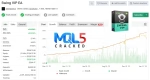
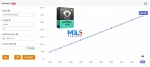
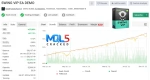
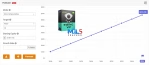
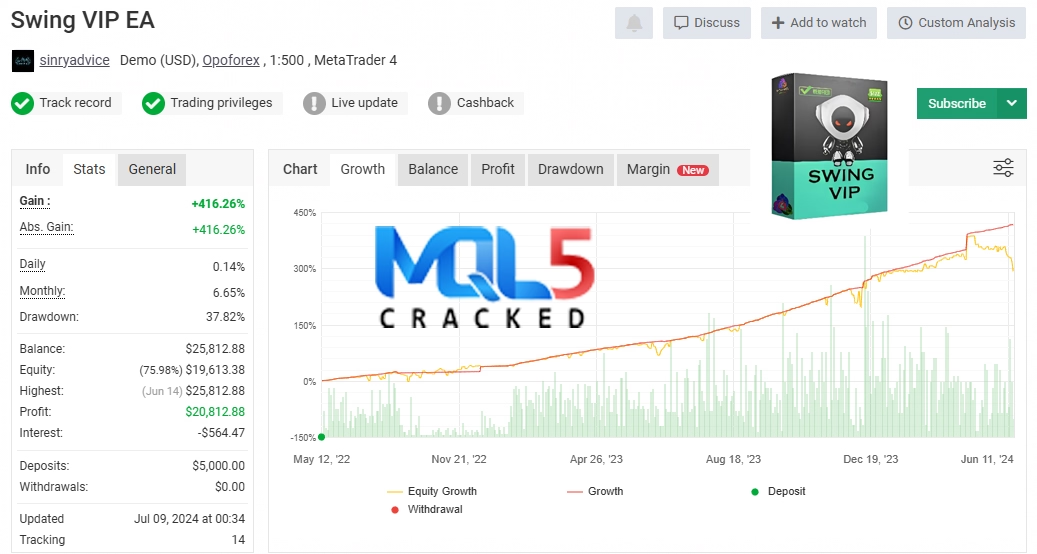
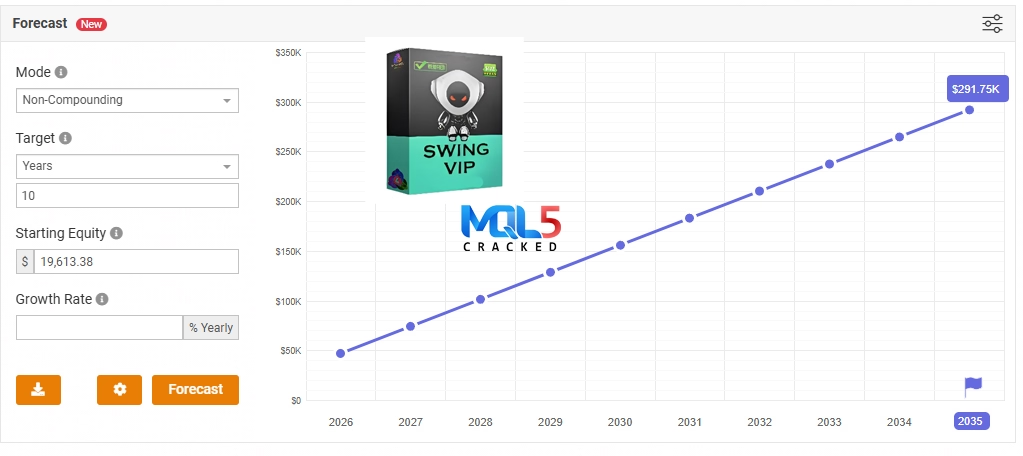
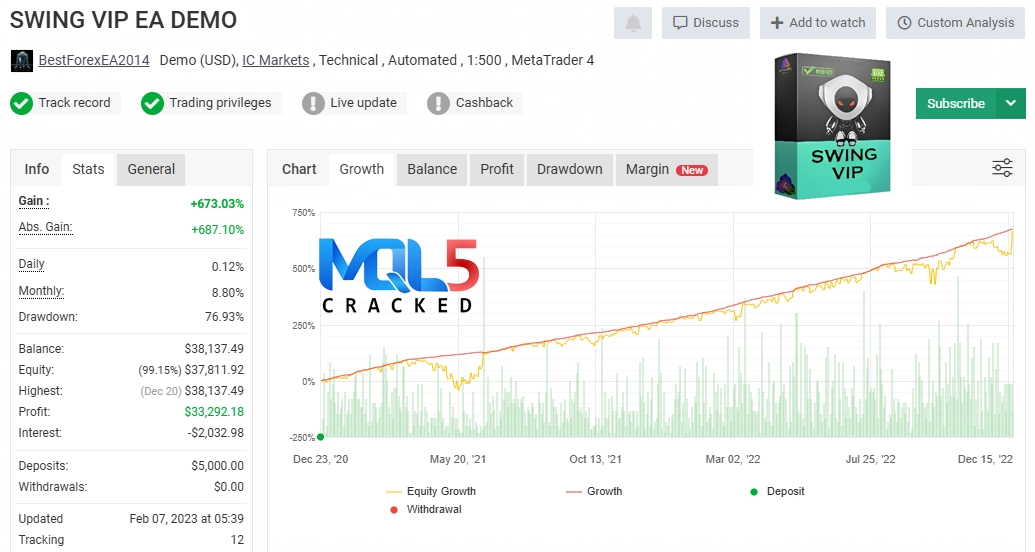
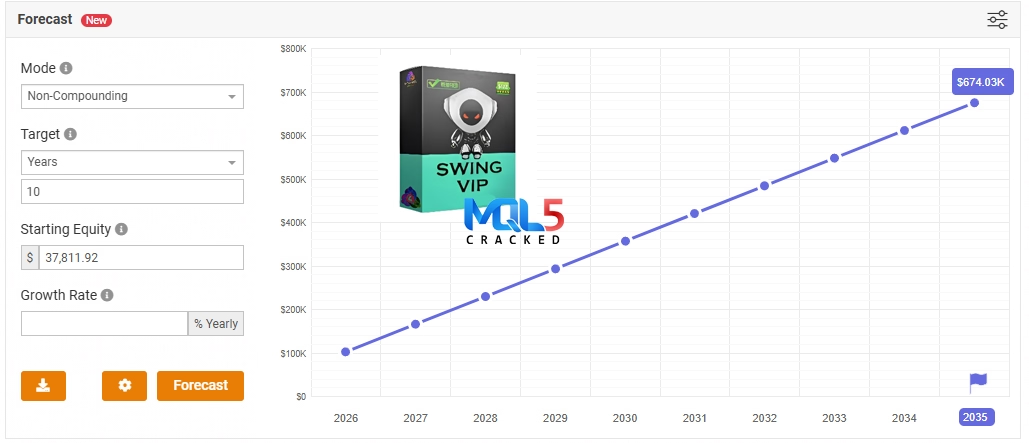
MyFxBook Results
What’s Included
MT4 V2.0 exe file
Official version
FAQs
- What is Swing VIP EA V2.0?
Swing VIP EA V2.0 is an automated trading robot designed for MetaTrader 4. It uses swing trading strategies to identify and trade medium-term price movements in the Forex market automatically.
- Which currency pairs does it trade?
It primarily trades the following pairs: AUDCAD, GBPUSD, EURUSD, NZDCAD, and USDCAD.
- What timeframe does the EA use?
Swing VIP EA operates on the M1 (1-minute) timeframe chart, analyzing short-term signals for swing trades.
- Can beginners use this EA?
Yes, but beginners should start by testing the EA on a demo account to understand how it works before trading with real money.
- How much money do I need to start?
A minimum recommended deposit is $500, but you can adjust lot sizes and risk settings to fit your account size.
- Does the EA guarantee profits?
No automated system can guarantee profits. Swing VIP EA aims to improve your trading chances, but all trading involves risk, including possible loss of capital.
- Is there a risk of large losses?
Yes, some users have reported drawdowns (losses) that can be significant. Proper risk management and cautious use are important.
- Does the EA use risky strategies like Martingale or Grid?
There are mixed opinions in the community. Some users believe it might have elements similar to those strategies. It’s best to monitor performance closely and use appropriate settings.
- Can I customize the settings?
Yes, the EA offers many customizable parameters to fit your trading style and risk tolerance.
- Do I need to keep my computer on all the time?
Yes, for continuous trading your MT4 platform needs to be running. Using a VPS (Virtual Private Server) is recommended for 24/7 operation without interruptions.
- How do I install the EA?
You can follow our simple installation guide above — just copy the EA file into the MT4 Experts folder, restart MT4, and attach the EA to the desired chart.
- Where can I get support or updates?
Join the VIP Telegram group and subscribe to the YouTube channel for the latest news, tutorials, and support.
- Is Swing VIP EA suitable for all brokers?
It works on most brokers that support MT4, but it is best to use brokers with low spreads and good execution speeds.
- How do I test the EA before going live?
Use a demo account on MT4 to run the EA without risking real money. This allows you to adjust settings and understand its behavior.
Download Now –
⏱️ Instant Access | 💳 Secure Checkout | ✅ One-Time Payment
Free Download Now –
You can download it for free from our website. Please contact us if you wish to access the free download. (Conditions apply)
You may also like





Gold Garden MT4 v2.1 with SetFiles (Platform build 1441+)
In stock
Reviews
Clear filtersThere are no reviews yet.