




Introduction
Evara MT5 is a fully automated trading system designed to run on the MetaTrader 5 platform. Instead of following fixed rules, it uses advanced pattern analysis and adaptive machine learning to adjust to changing market conditions in real time.
As an Expert Advisor, Evara continuously monitors price movements, identifies potential trading opportunities, and places trades automatically based on its programmed strategy. This allows it to react quickly and consistently, removing emotion from trading while following its defined algorithm with precision.
Our Telegram
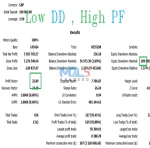
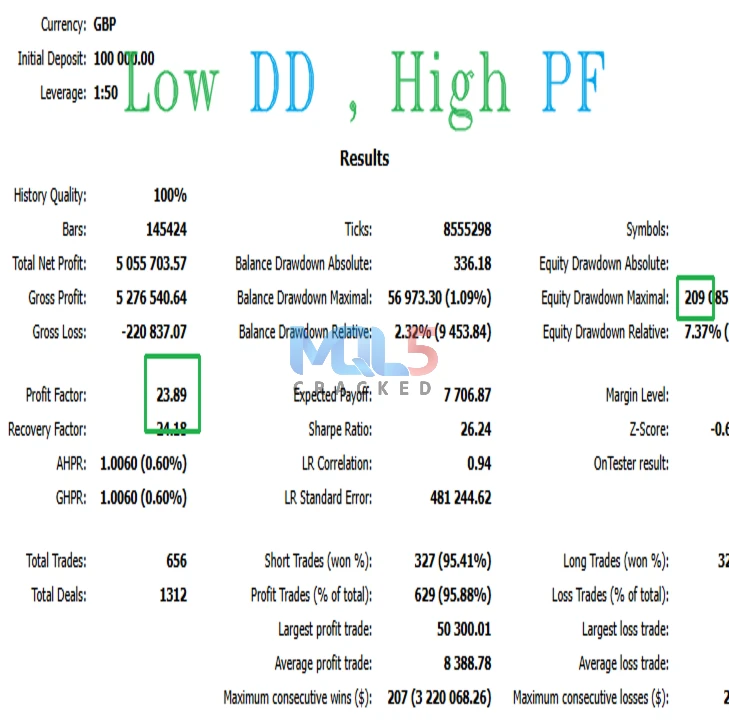
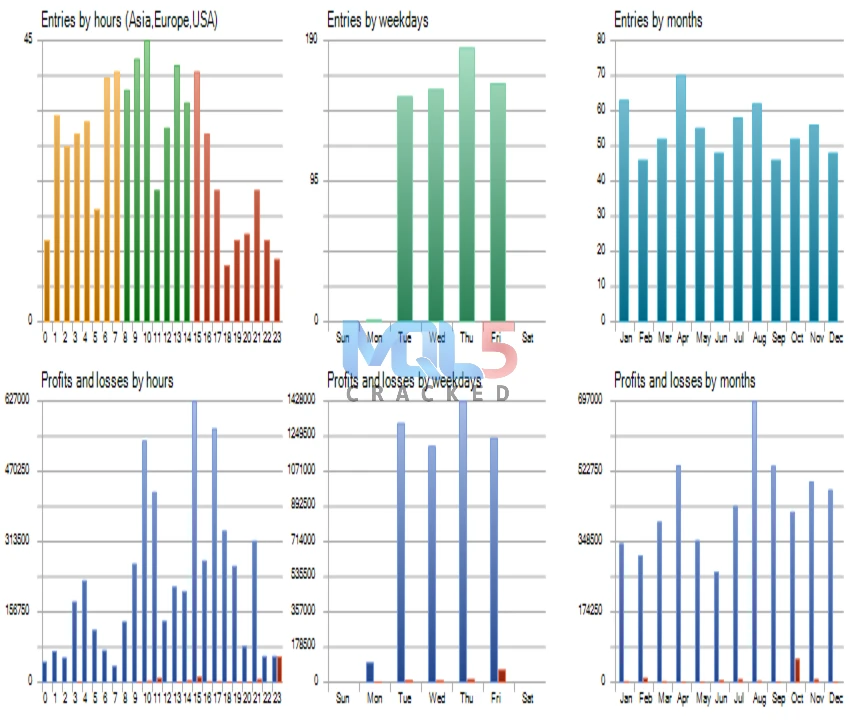
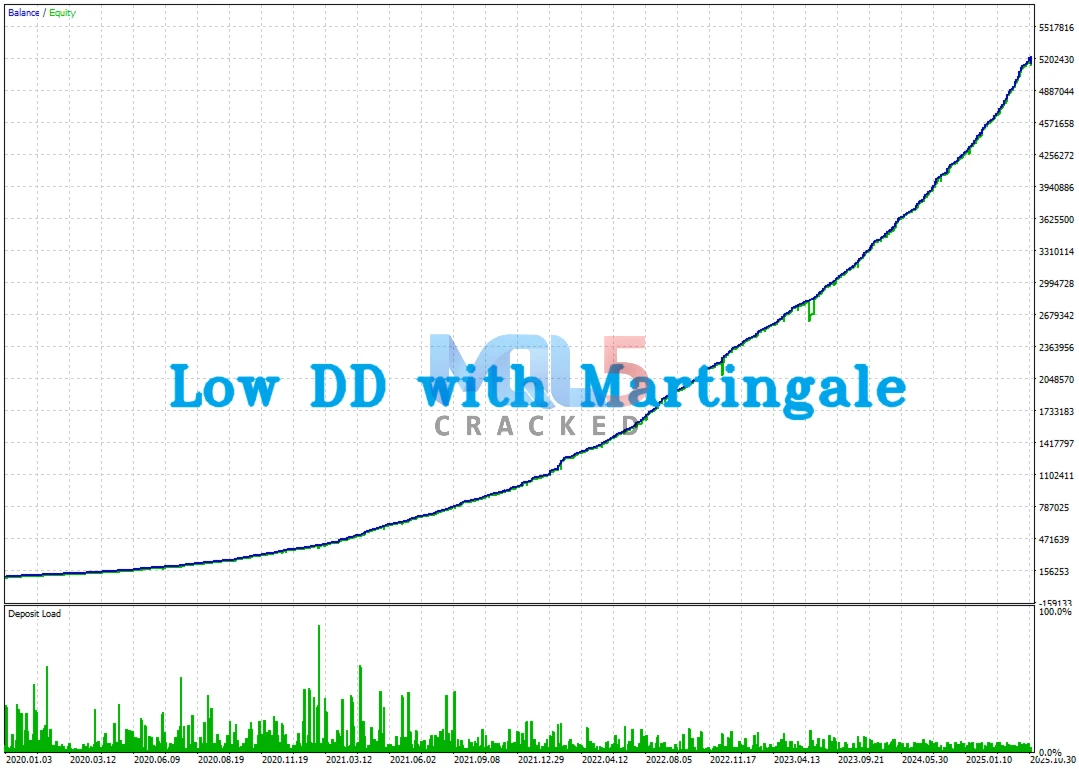
Evara EA Performance
Key Features
- ATR-Based Scalping Strategy – Uses Average True Range (ATR) data to identify short-term trading opportunities during volatile market conditions, helping improve entry and exit timing.
- Advanced RSI Signal Filter – Our enhanced RSI system is designed to reduce false signals while keeping high-probability trade setups, helping traders focus on stronger opportunities.
- Smart Market Timing Technology – An integrated time filter automatically targets high-liquidity trading sessions, increasing the potential for smoother trade execution and better market conditions.
Recommended Settings
Optimized Currency Pairs:
Evara is designed to perform efficiently across multiple major forex pairs, including EURUSD, USDCAD, and NZDUSD, allowing for diversified trading opportunities.
Minimum Deposit Requirements:
- $100 – Standard Mode (balanced risk approach)
- $1,000 – Risky Mode (higher risk, higher potential return strategy)
This flexible setup allows traders to choose a risk level that aligns with their capital and trading goals.
Risk Controls
Built-In Multi-Layer Risk Protection
Evara is designed with advanced safety mechanisms to help manage risk effectively, including:
- Volatility-Based Profit Targeting – Adjusts profit-taking levels based on current market volatility to lock in gains more efficiently.
- Real-Time Drawdown Monitoring – Continuously tracks account performance to help control potential losses.
- Automatic Risk Adjustment – Reduces exposure during periods of high market volatility to help protect capital.
These layered protections work together to support more controlled and disciplined trading.
How to Install and Run
Step 1: Open MetaTrader 5
Launch your MetaTrader 5 (MT5) platform on your computer.
Step 2: Open the Data Folder
In MT5, click:
File → Open Data Folder
A new window will open.
Step 3: Add the Evara File
- Open the folder: MQL5 → Experts
- Copy the Evara MT5 (.ex5) file
- Paste it inside the Experts folder
Step 4: Restart MT5
Close MetaTrader 5 completely, then open it again.
(This allows MT5 to recognize the new Expert Advisor.)
Step 5: Enable Auto Trading
At the top of MT5:
- Click AutoTrading
- Make sure the button turns GREEN
Then go to:
Tools → Options → Expert Advisors
✔ Check Allow algorithmic trading
✔ Check Allow DLL imports (if available)
Click OK
Step 6: Attach Evara to a Chart
- Open a EURUSD chart
- Set the timeframe to M15
- Go to Navigator → Expert Advisors
- Drag Evara MT5 onto the chart
Step 7: Confirm Settings
- Keep the default settings (recommended)
- Click OK
You’re all set! 🚀
Evara MT5 should now be running on your chart.
Top Alternatives
Download the EA for Free (VIP Members Only)
VIP membership unlocks:
- Unlimited EA downloads
- MT4 + MT5 systems
- Premium indicators
- Lifetime updates
- No restrictions
- Priority support
- Instant access to 200+ trading robots
👉 Become a VIP Member & Download Maros EA Free
Evara MT5 – Frequently Asked Questions (FAQ)
1. What is Evara MT5?
Evara MT5 is a fully automated trading robot (Expert Advisor) designed for the MetaTrader 5 platform. It analyzes market conditions and places trades automatically based on its programmed strategy.
2. Do I need trading experience to use Evara?
No advanced experience is required. Once installed correctly, Evara runs automatically. However, basic knowledge of MT5 and risk management is helpful.
3. What currency pairs does Evara support?
Evara is optimized for:
- EURUSD
- USDCAD
- NZDUSD
For best results, use the recommended pairs and settings.
4. What timeframe should I use?
Evara is designed to run on the M15 (15-minute) timeframe.
5. What is the minimum deposit required?
- $100 – Standard Mode
- $1,000 – Risky Mode
Choose the mode that matches your risk tolerance and capital.
6. Does Evara guarantee profits?
No trading system can guarantee profits. While Evara is designed with advanced strategies and risk controls, trading always involves risk.
7. Can I run Evara on multiple charts?
Yes, you can run it on multiple supported currency pairs. Make sure your account balance and risk settings are appropriate.
8. Does my computer need to stay on?
Yes. MT5 must remain open for Evara to trade. Many users choose to use a VPS (Virtual Private Server) for 24/7 operation.
9. How does Evara manage risk?
Evara includes:
- Volatility-based profit targeting
- Real-time drawdown monitoring
- Automatic risk adjustment during high volatility
10. Can I change the settings?
Yes, but beginners are advised to use the default settings for optimal performance.


Three Little Birds MT4 – Build 1422+ Protect, Recover & Grow Your Equity in Any Market
In stock

Cherma EA MT4 & MT5 V1.2 (Build 1441+) + SetFiles Free Download
In stock

Forex GOLD Investor EA – MyFxBook Verified XAUUSD EA with 297% Growth
In stock

Reviews
Clear filtersThere are no reviews yet.